

Microsoft Entra Suite Masterclass Which one when · Part 0
Microsoft Entra Suite's 5 Parts: Which One Do You Need?
ID Governance, ID Protection, Verified ID, Internet and Private Access: what each protects, when to use it, and a 3-question decision guide.

Microsoft Entra Suite bundles five products. They sound similar, and they solve very different problems. Here is what each one protects, and when to reach for it.
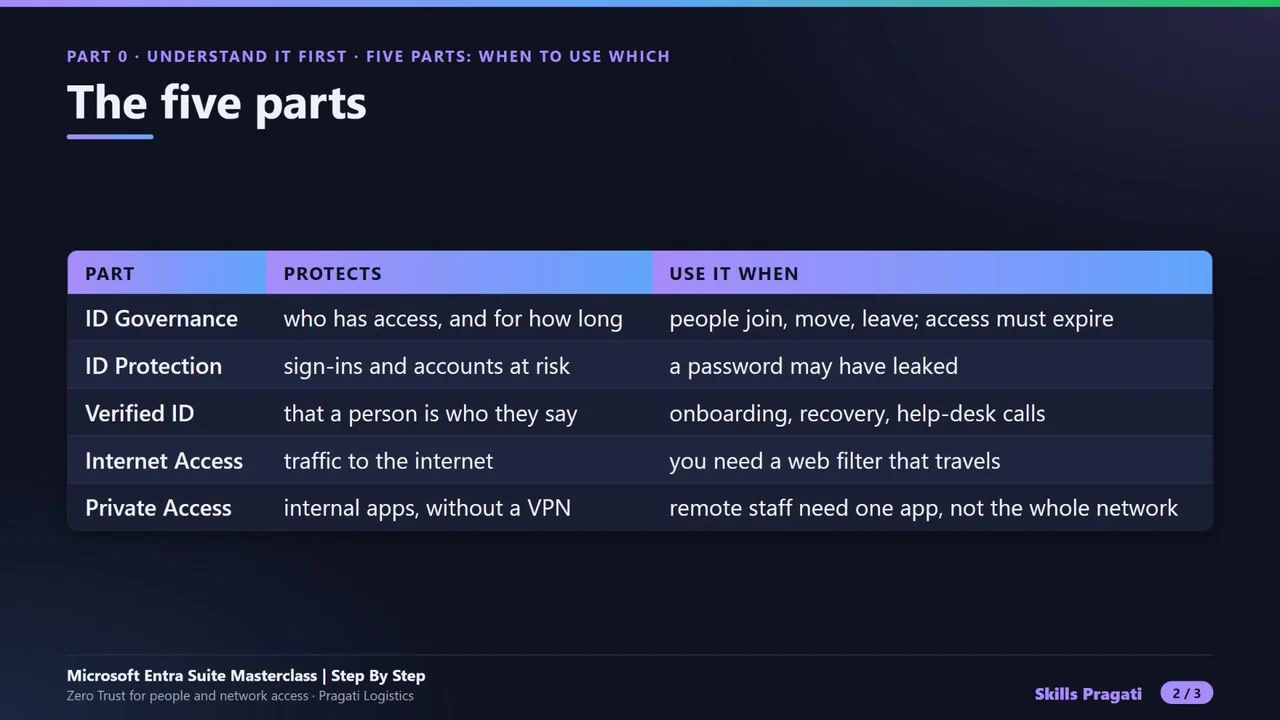
| Part | Protects | Use it when |
|---|---|---|
| ID Governance | who has access, and for how long | people join, move and leave; access must expire |
| ID Protection | sign-ins and accounts at risk | a password may have leaked |
| Verified ID | that a person is who they say | onboarding, recovery and help-desk calls |
| Internet Access | traffic to the internet | you need a web filter that travels with the device |
| Private Access | internal apps, without a VPN | remote staff need one app, not the whole network |
A three-question decision guide
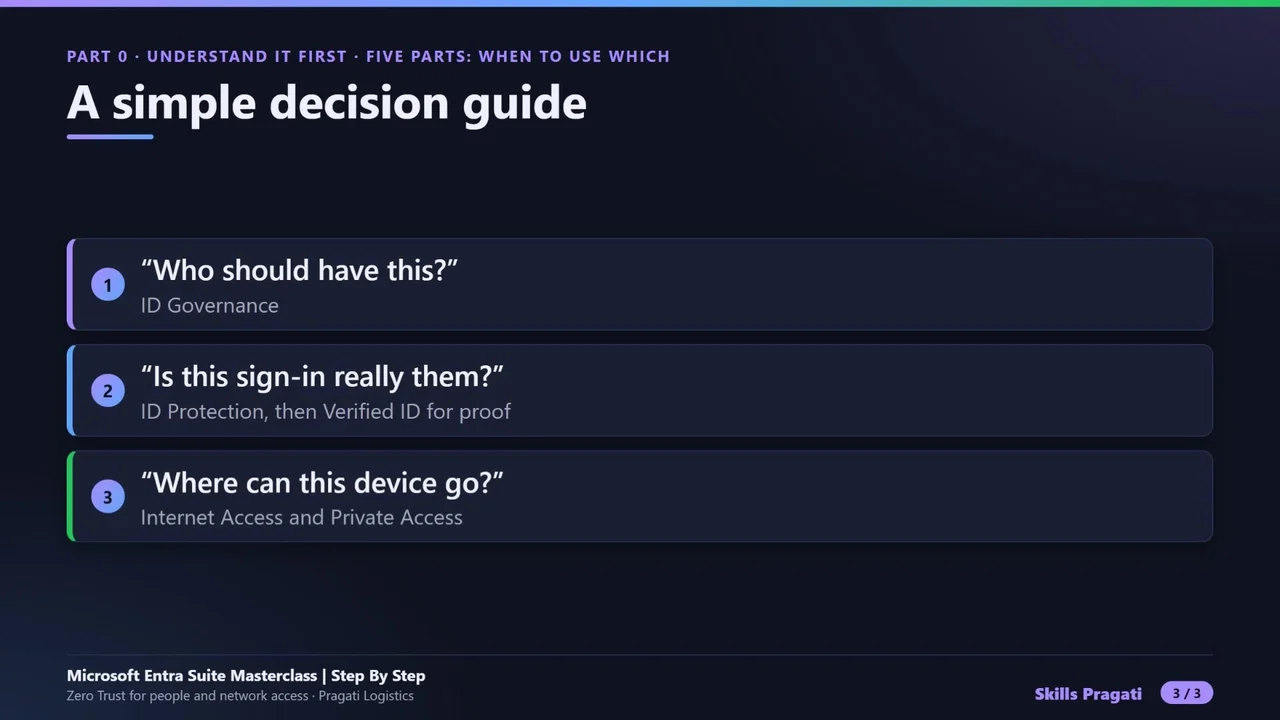
- “Who should have this?” → ID Governance.
- “Is this sign-in really them?” → ID Protection, and Verified ID when you need proof.
- “Where can this device go?” → Internet Access and Private Access.
Examples from the course
- A new dispatcher gets access on day one, and loses it on the last day, automatically: ID Governance lifecycle workflows.
- The right password from the wrong person: ID Protection and risk-based Conditional Access.
- A caller claims to be an employee who lost their phone: Verified ID with Face Check.
- Gambling sites blocked on every laptop, anywhere: Internet Access.
- One internal server reached with no VPN: Private Access.
Do it yourself
- The full Microsoft Entra Suite Masterclass courseEvery Part, free on YouTube, in order
- Hands-on lab guideThe exact steps, what it costs, how to clean up
- Practice simulationRehearse every click in your browser; the first lab is free
- Mock examFree 10-question sample, then the full timed mock scored by domain
Lab guides, practice and full mock exams come with a subscription. See the plans