

AB-410 Step by step · Lab 10
Build a Copilot Studio Agent That Only Uses Your Data
Create the Claims Assistant in Copilot Studio: plain instructions, no web search, and the Dataverse MCP server so it answers only from your data.

Surveyors at Pragati General Insurance ask the same questions all day: what is the amount of this claim, who handles it, which documents are missing? The answers are already in Dataverse. An agent can answer them, as long as it answers only from our data.
This is Lab 10 of the AB-410 course: the Claims Assistant in Copilot Studio.
The plan
- Create the agent, grounded on the app’s data.
- Its knowledge: Dataverse tables, not the public web.
- Publish it into the app, Teams or a website.
- Agent messages use Copilot Studio capacity, so check it before you go live.
Step 1: Name it and write the instructions
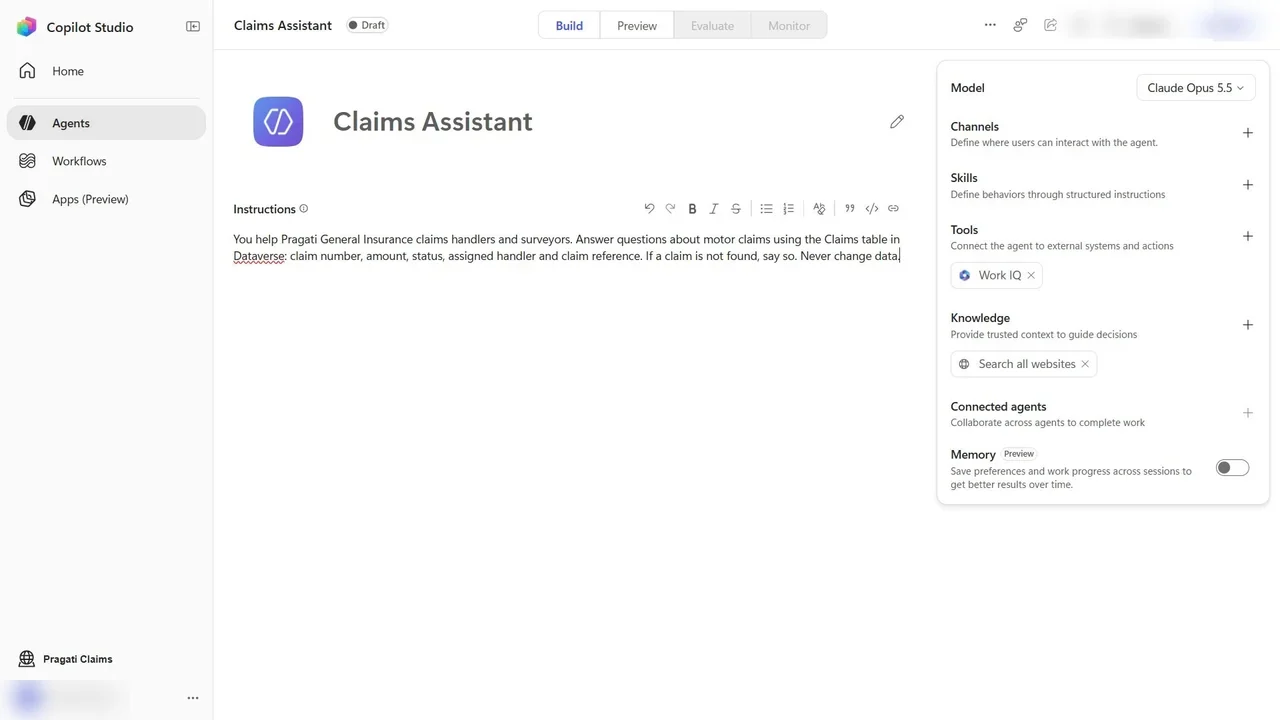
In Copilot Studio, in the Pragati Claims environment, create an Agent named Claims Assistant. The instructions are plain words: who it helps, which data it uses, and what it must never do.
Step 2: Remove web search
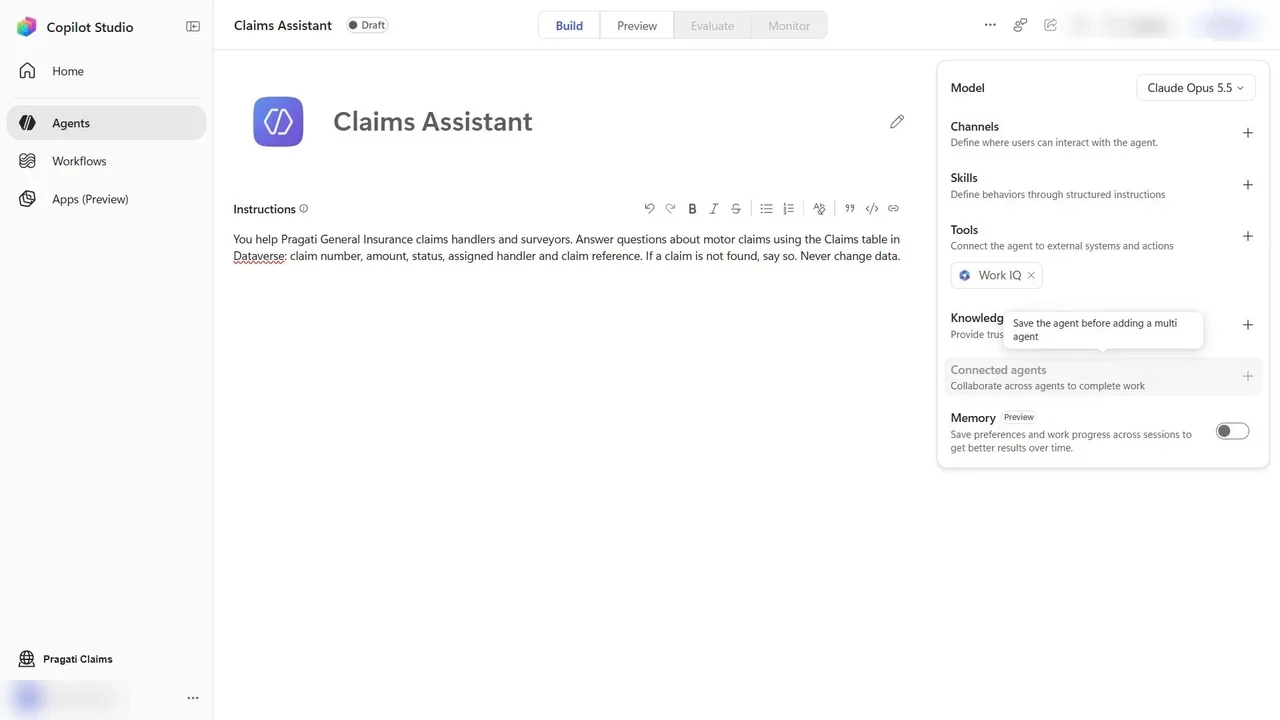
The agent’s knowledge starts with Search all websites. Remove it: the answers must come from our data only.
Step 3: Connect Dataverse through MCP
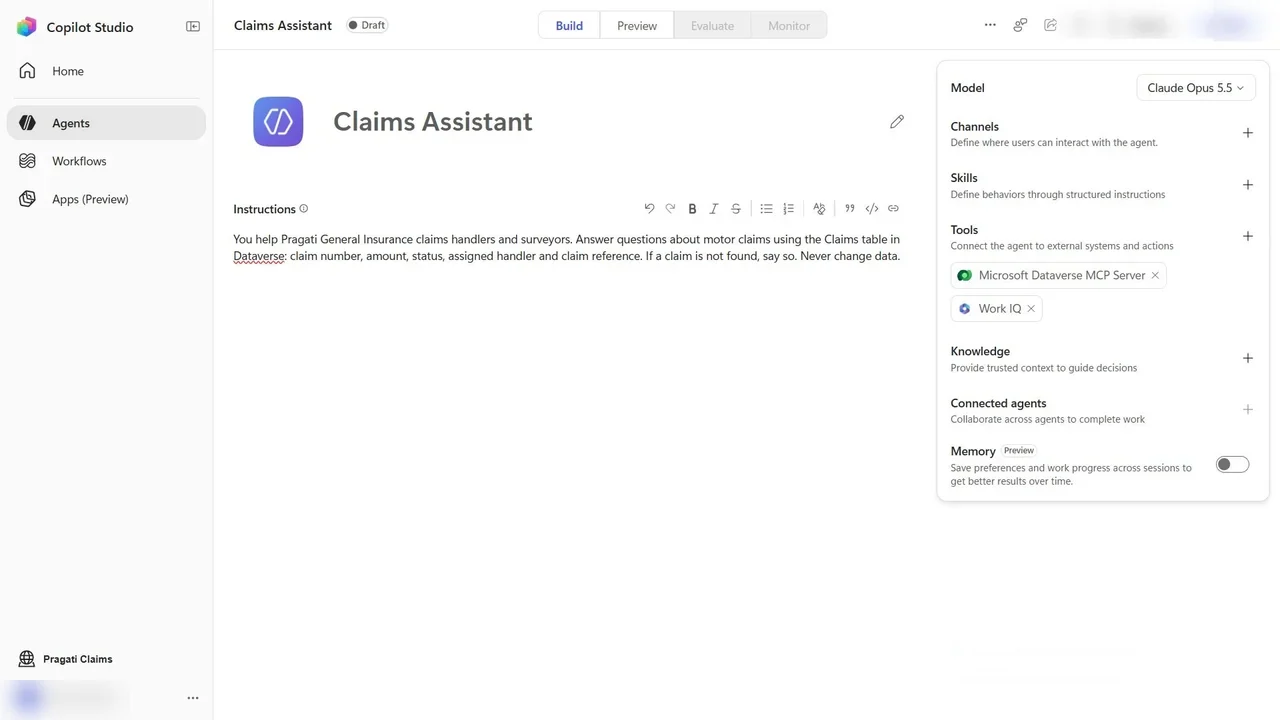
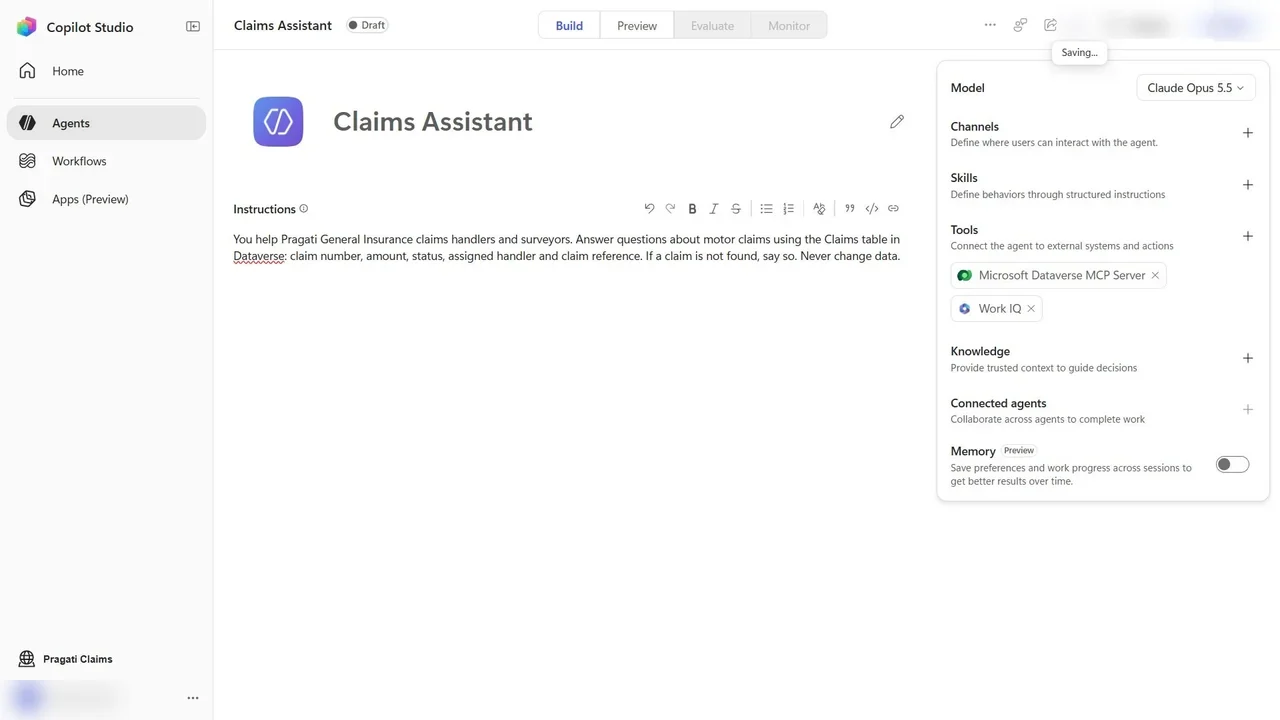
Add tool, search Dataverse, choose MCP. The Microsoft Dataverse MCP server lets the agent find tables and query rows in this environment, with the user’s own permissions.
Step 4: Test, and meet the capacity question
In Preview, ask: what is the amount and handler of claim CLM0006?
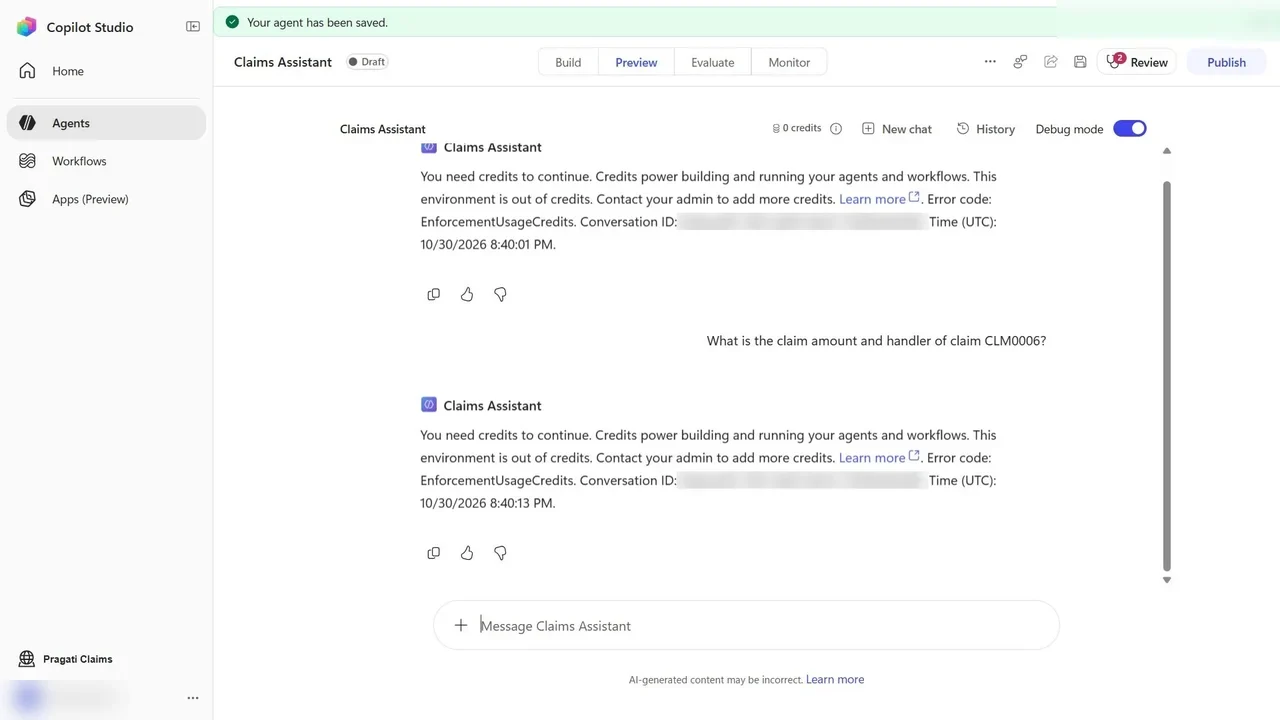
Buying capacity is a billing decision for the admin, so we stop here, honestly, rather than show a fake answer. With credits, the agent would query the Claims table through the MCP server and answer with the amount and the handler.
What a tech lead should take away
- Ground agents on your own data and remove web search when the answers must be authoritative.
- MCP plus user permissions means the agent cannot show what the user could not open.
- Plan capacity before go-live. Agent messages are metered; agree who pays before users depend on it.
Do it yourself
- The full AB-410 courseEvery Part, free on YouTube, in order
- Hands-on lab guideThe exact steps, what it costs, how to clean up
- Practice simulationRehearse every click in your browser; the first lab is free
- Mock examFree 10-question sample, then the full timed mock scored by domain
Lab guides, practice and full mock exams come with a subscription. See the plans