

AB-410 Which one when · Explained
Model-Driven vs Canvas vs Generative Pages: How to Choose
Three ways to build a Power Apps front end on the same Dataverse data, and how to choose: who uses it, on which device, and how much control you need.

A model-driven app, a canvas app, or a generative page? They can all use the same Dataverse data. The exam question is never “what is a canvas app”; it is “which one fits this job”. Three things decide it: who uses it, on which device, and how much control you need.
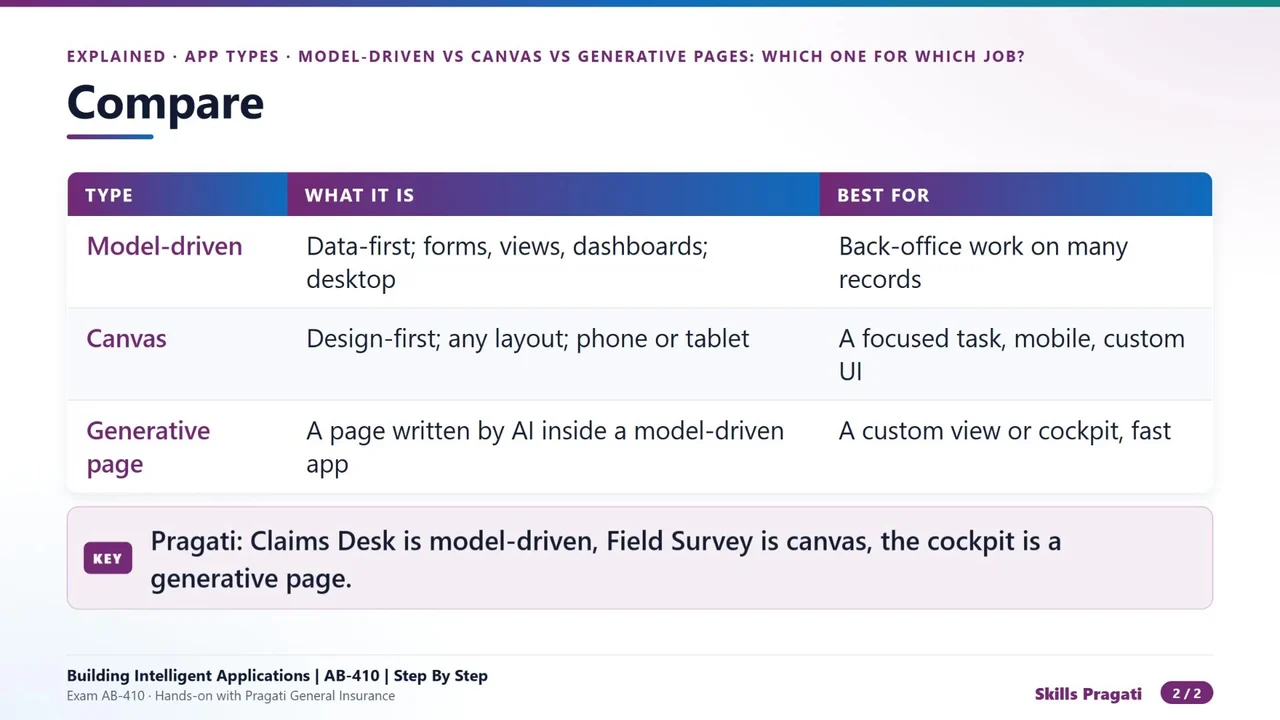
| Type | What it is | Best for |
|---|---|---|
| Model-driven | data-first: forms, views and dashboards; desktop | back-office work on many records |
| Canvas | design-first: any layout, phone or tablet | a focused task on a phone, custom UI |
| Generative page | a page written by AI inside a model-driven app | a custom view or cockpit, built fast |
Model-driven: when the data leads
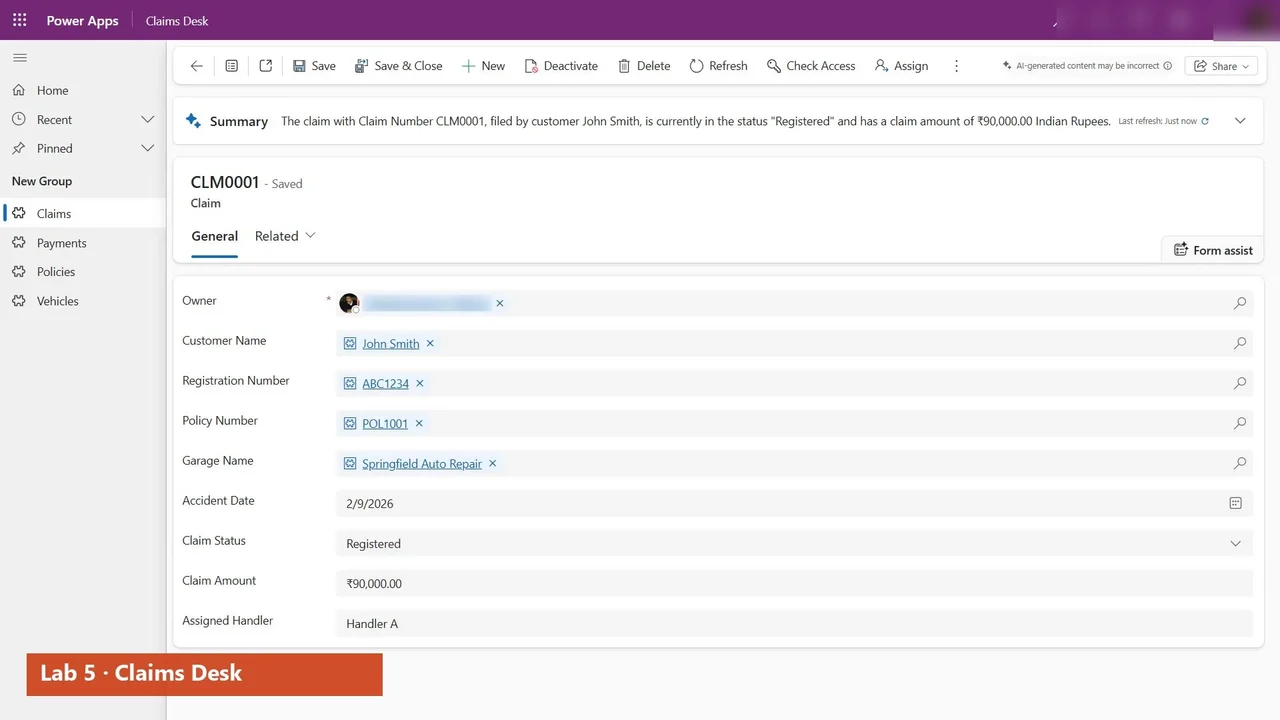
You design the tables, forms and views; the app’s layout follows the data. It is ideal for people who work through many records all day. At Pragati, Claims Desk is model-driven, for claims handlers.
Canvas: when the screen leads
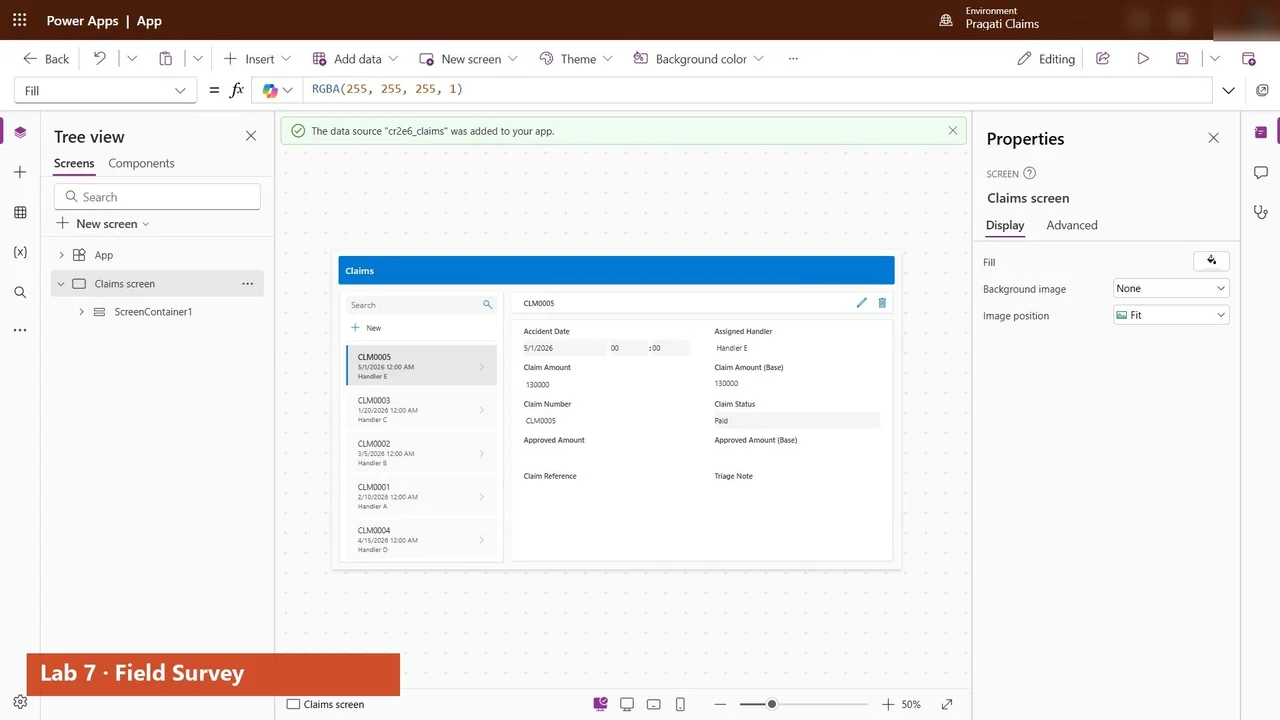
You place every control yourself, so it fits a phone and one specific task. At Pragati, Field Survey is a canvas app for surveyors on site.
Generative pages: when you need a custom view fast
A generative page is written by AI from a description, inside a model-driven app. It gives a custom view, such as a manager’s cockpit, without building a whole canvas app.
How to decide
- Many records, desktop, standard forms? Model-driven.
- One task, a phone, a custom layout? Canvas.
- A custom view inside an existing model-driven app, quickly? A generative page.
They are not exclusive. One solution can, and often should, use all three on the same data.
Do it yourself
- The full AB-410 courseEvery Part, free on YouTube, in order
- Hands-on lab guideThe exact steps, what it costs, how to clean up
- Practice simulationRehearse every click in your browser; the first lab is free
- Mock examFree 10-question sample, then the full timed mock scored by domain
Lab guides, practice and full mock exams come with a subscription. See the plans